

3 Ways to Run Llama 3 on Your PC or Mac
Running Llama 3 locally on your PC or Mac has become more accessible thanks to various tools that leverage this powerful language model’s open-source capabilities. Below are three effective methods to install and run Llama 3, each catering to different user needs and technical expertise.
1. Using Ollama
Supported Platforms: MacOS, Ubuntu, Windows (Preview)
Steps:
To run Llama 3, use the command: ‘ollama run llama3’. This command downloads the 8B instruct model by default. You can specify a different model by adding a tag, like ‘ollama run llama3:70b-instruct’ for specific versions.
ollama run llama3
ollama run llama3:70b-text
ollama run llama3:70b-instruct #For Specific Versions
Note: If you want to integrate a chatbot UI similar to ChatGPT, further configurations are needed, possibly involving the OpenWebUI project.
2. Using LM Studio
Supported Platforms: MacOS, Ubuntu, Windows
Features: LM Studio is built on the llama.cpp project supports various models like ggml Llama, MPT, and StarCoder on Hugging Face.
Steps:
Download LM Studio from its website.
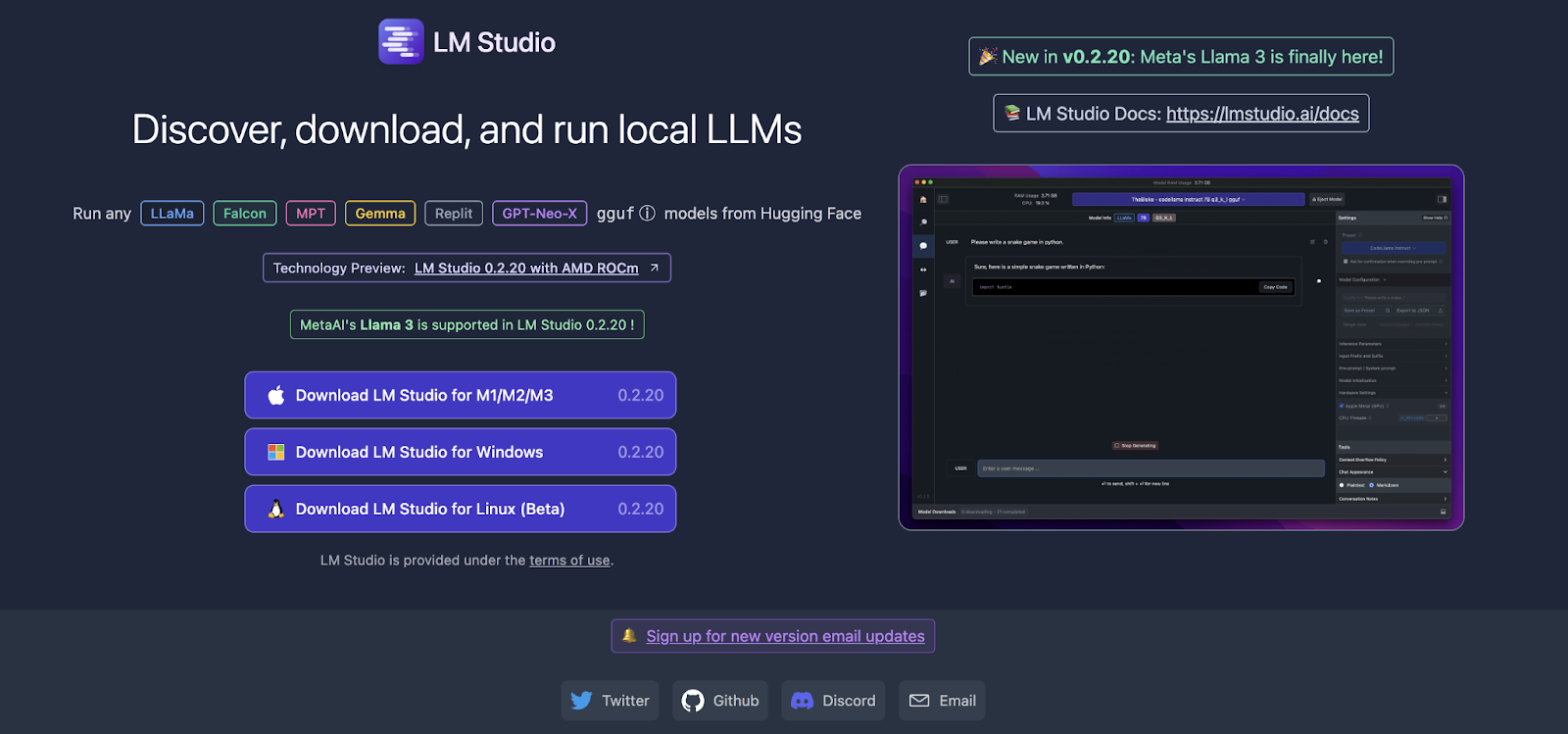
Install it according to the provided system requirements.
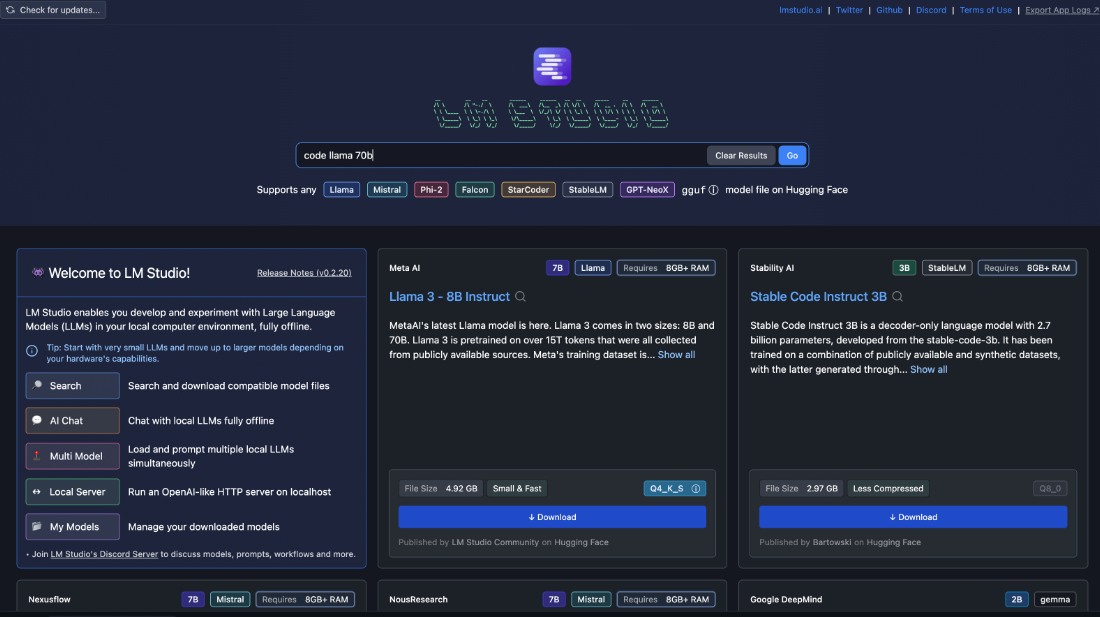
LM Studio features a built-in chat interface, enhancing user interaction.
3. Using GPT4All
Supported Platforms: MacOS, Ubuntu, Windows
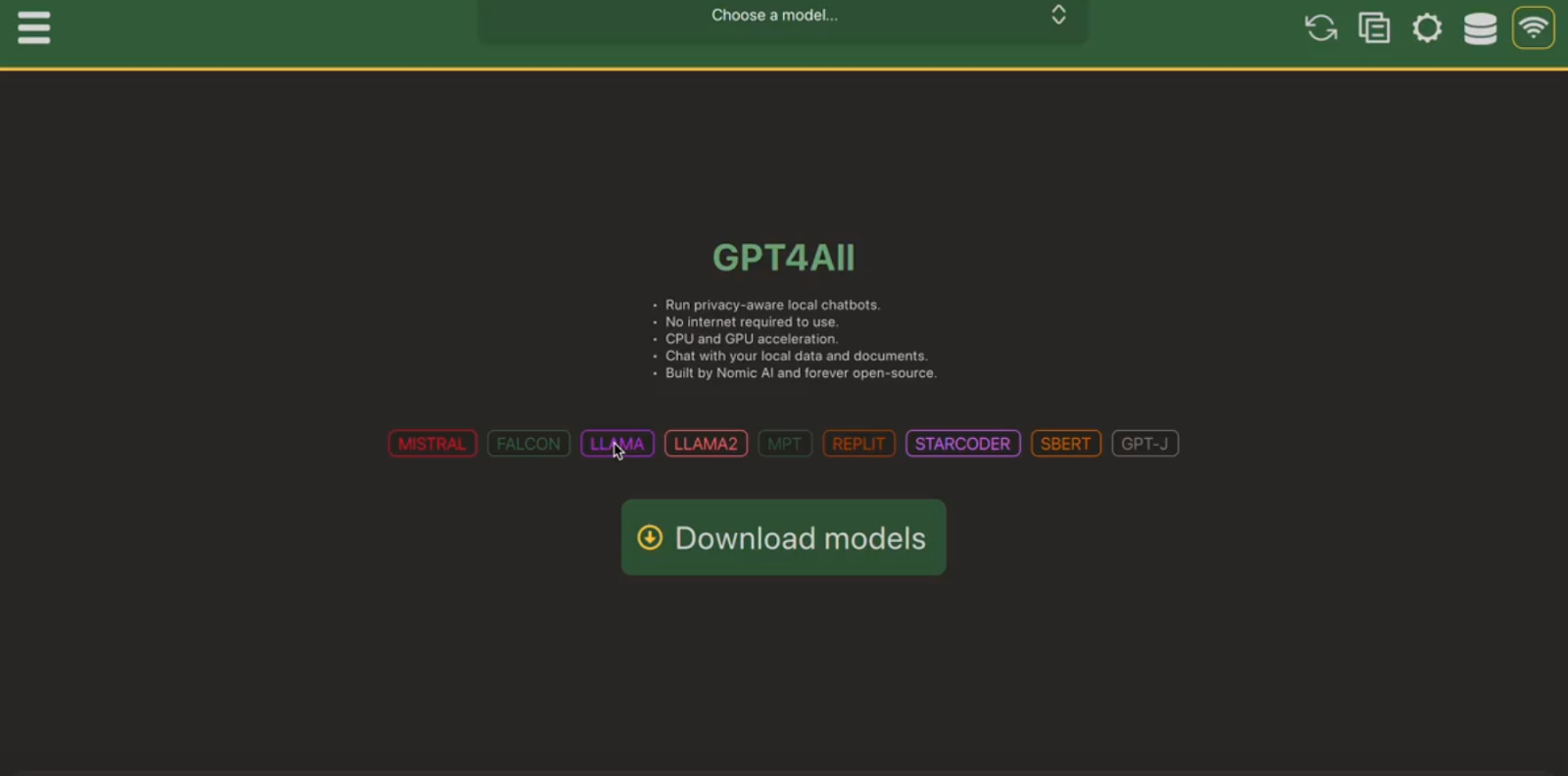
Utility: GPT4All offers a versatile setup to run various open-source LLMs.
Steps: Go to GPT4All
This method typically involves more DIY setups and might require familiarity with programming environments and software dependencies.
ConclusionEach method provides a unique approach to running Llama 3 on your PC or Mac, catering to different levels of technical expertise and user needs. By following the outlined steps and using the provided tools, you can effectively harness Llama 3’s capabilities locally.

Hello, My name is Adnan Hassan. I am a consulting intern at Marktechpost and soon to be a management trainee at American Express. I am currently pursuing a dual degree at the Indian Institute of Technology, Kharagpur. I am passionate about technology and want to create new products that make a difference.
